Blue Lock Jersey Cosplay: Check the Name and Number Before Ordering
Check jersey lettering, numbers and colour labels, then resolve the fit and contents of your exact selection.
A jersey cosplay puts its lettering and numbers in plain view. Before choosing a Blue Lock outfit, check the front and back as carefully as the overall colour. A listing title can cover several characters, while a short option label may leave an important detail unstated.
Read the full option, not just the number
The HEROCOS Blue Lock jersey listing currently includes both “Yoichi Isagi (11) – Navy” and “Yoichi Isagi (11) – Red/Black.” The name and number are the same in those two labels, but the colour description differs. Copy the complete label into your shopping note so that “the number 11 one” does not become an ambiguous request.
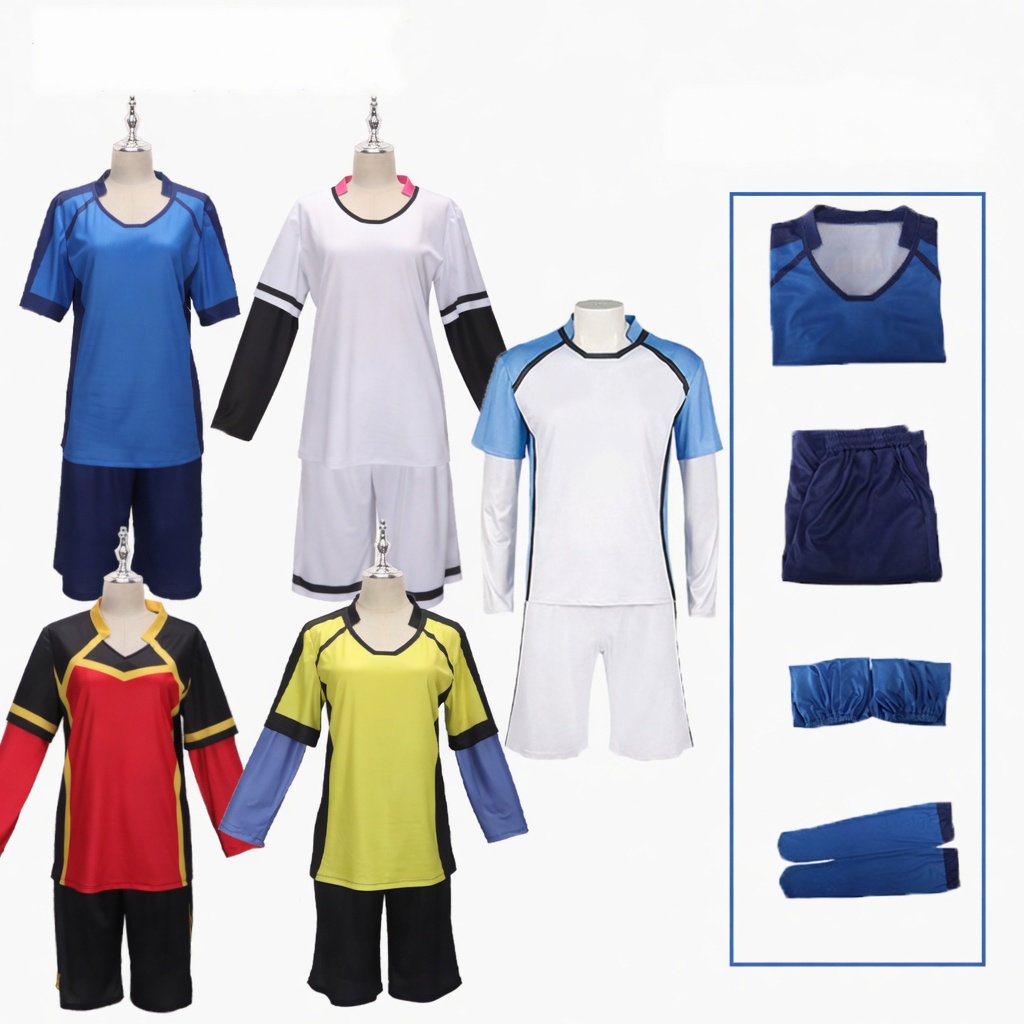
Other options on the page use only a number or a number and colour. Do not assign those options to a character by guessing. Ask for the corresponding front and back photographs and the full design description before selecting one. The examples here describe shop options; they do not establish which uniform appears in a particular scene or story chapter.
Check the lettering in three places
For the exact option you want, request a clear view of the front, back and any sleeve markings that matter to your reference. Work through these details:
- Name: check the spelling and whether the garment shows a surname, another name format or no name at all.
- Number: check every visible location rather than assuming the front and back are identical.
- Layout: compare the position of the lettering, colour blocks and neckline with the look you intend to recreate.
If a picture is too small to read, a larger view is more useful than a general assurance that the costume is accurate. When writing to HEROCOS, include the selected option and identify the unclear area: “Please show the back lettering for Yoichi Isagi (11) – Navy.” You can also attach your intended outfit reference when asking which details match.
Do not treat a mirrored selfie as a reliable way to judge the direction of printed text. For your own reference photos, use a straight-on view of the garment and check whether the camera or editing app has flipped the image.
Resolve fit and contents separately from the print
The jersey page has a supplier size reference, but the source image does not print its measurement unit. Ask for the unit and confirmation that the reference applies to your selected design before choosing a size. A familiar T-shirt size or a confirmed player number does not resolve that uncertainty.
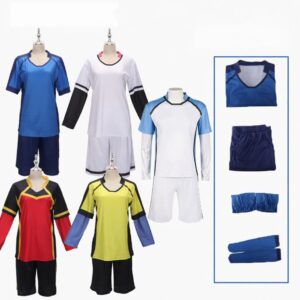
Confirm the garments included in your selection as well. Do not infer that shorts, socks, gloves or other pieces come with every option because they appear in the listing’s combined gallery. Once the clothing is clear, check what you already own before adding footwear, a wig or supporting accessories.
Keep a record of the exact jersey you chose
Save the product link, full option label and any clarification you receive together. Before checkout, compare the bag’s selection with that note. When the costume arrives, inspect the name, number and colour layout against your confirmed selection before removing labels or making changes.
Start with the current Blue Lock jersey options, or browse Anime & Manga Costumes for another clothing direction. Use HEROCOS product help when an option or photograph leaves the printed details unclear.
EXPLORE THE COSTUMES
Mentioned in this guide
View the current options, size information and selected price on each product page.